They answer different questions
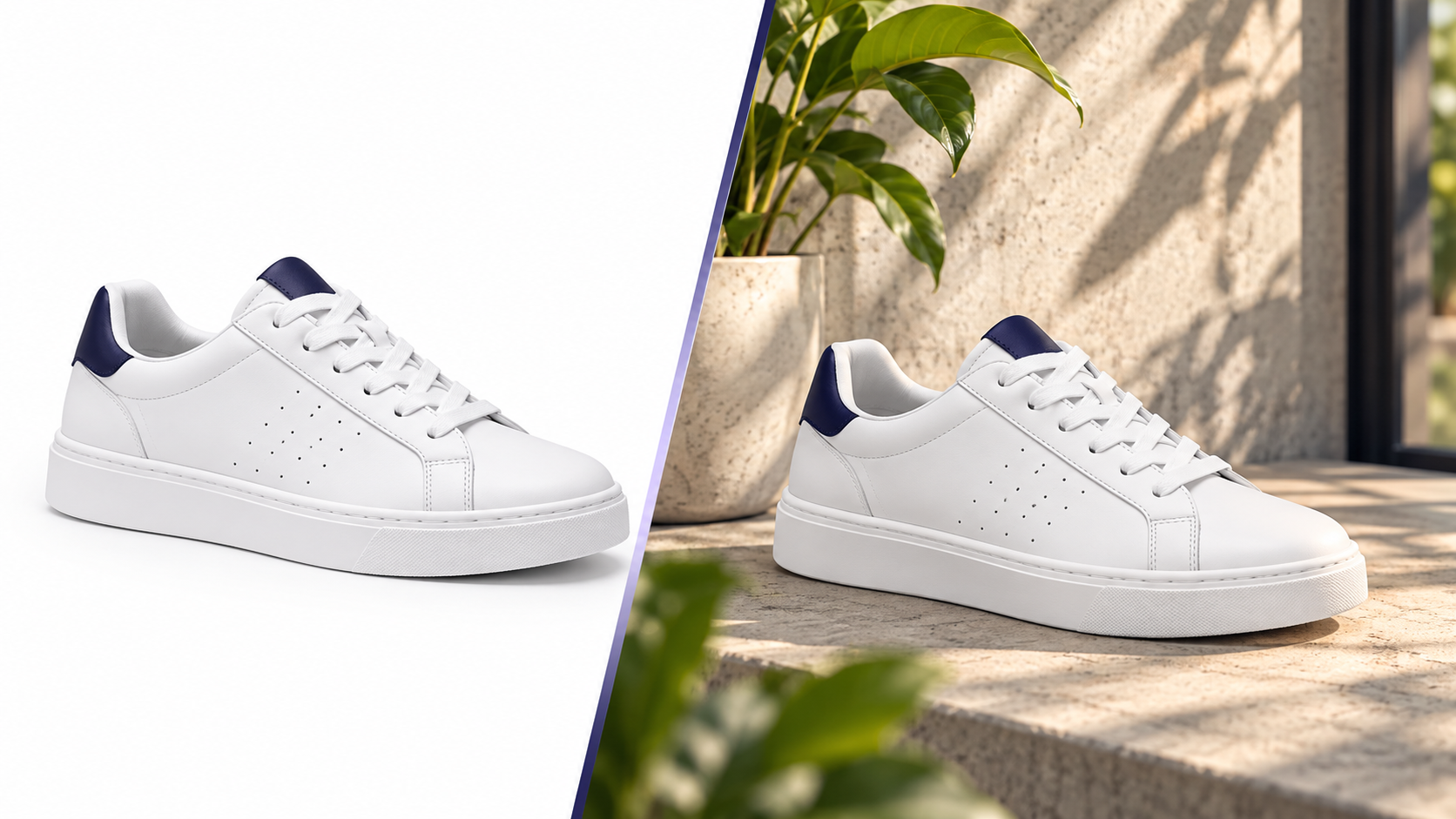
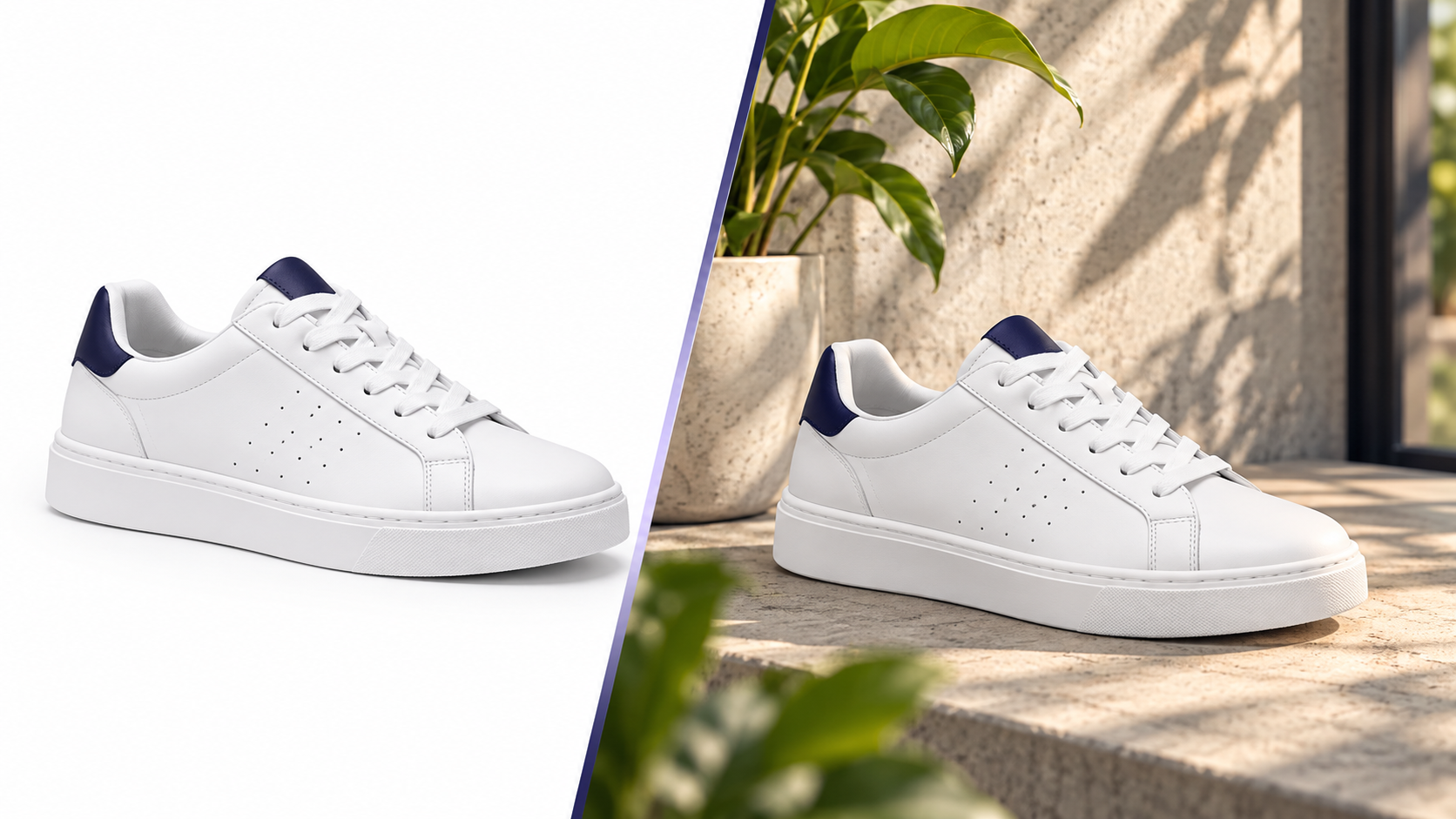
A white-background image answers "What is this, exactly?" It isolates shape, colour and details, loads fast and compares cleanly next to competitors. Search results, category grids and marketplaces are built around it — which is why marketplaces require it for the main slot.
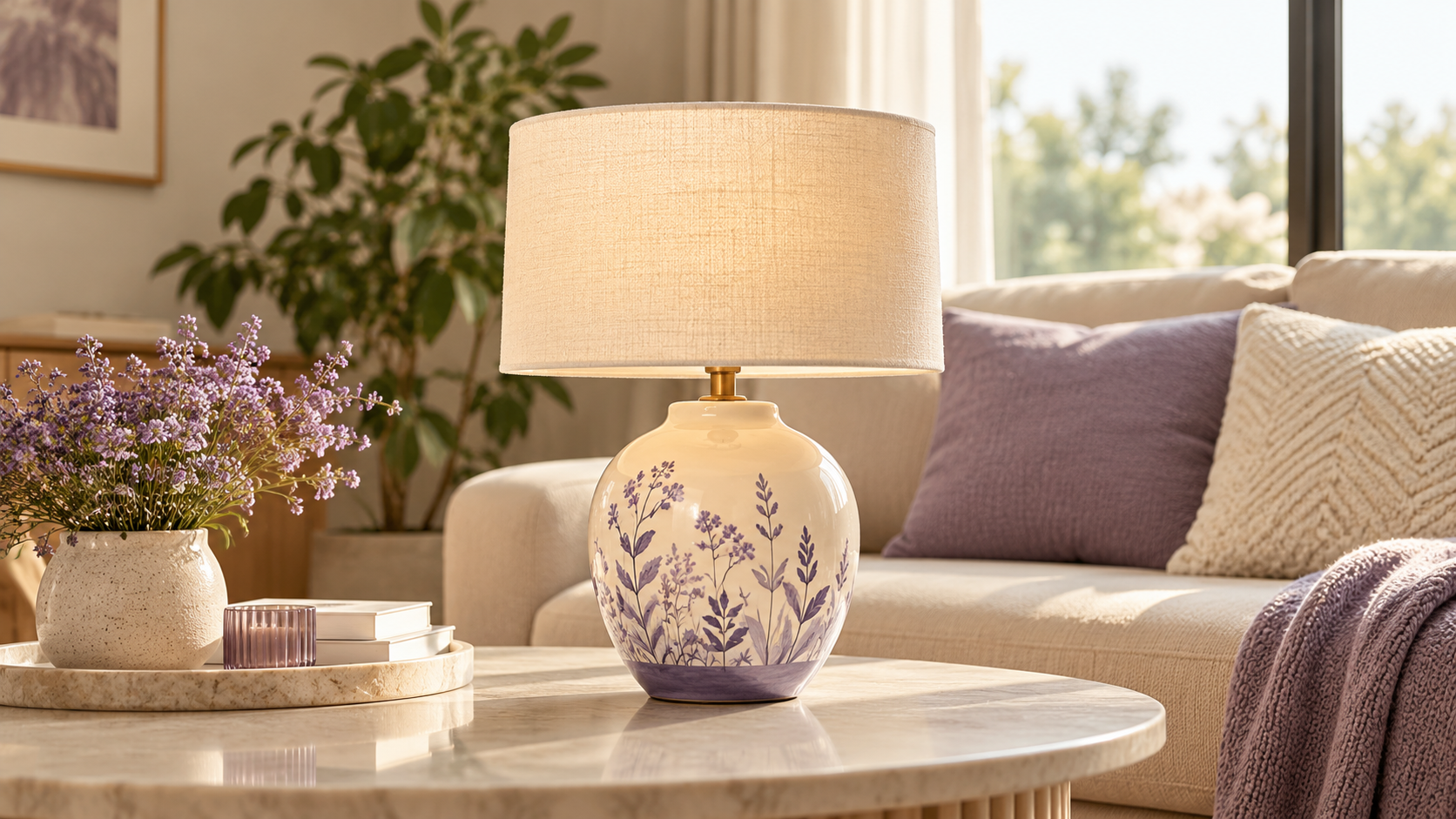
A lifestyle image answers "Is this for me, and how big is it?" It shows context, scale and mood. It does its best work once a buyer has already clicked.
Treating them as rivals is the mistake. They're sequential.
Across the funnel
| Stage | Image that wins | Why |
|---|---|---|
| Search / category grid | White background | Fast scanning, clean comparison |
| Product page gallery | Lifestyle + detail crops | Context, scale, texture |
| Social / ads | Lifestyle or short video | Stops the scroll |
| Retargeting | Product on white + price | Reminder, not persuasion |
What the data tends to show
Across sellers we work with, adding one good lifestyle image to gallery position 2 or 3 is the single highest-leverage change for conversion on product pages — more than adding a fourth detail crop. Replacing the main image with lifestyle, on the other hand, usually hurts CTR in comparison grids.
Video is the exception that works in both places: a 5-second clip in the gallery lifts time-on-page, and the same clip works as a Reel.
How to test without fooling yourself
- Change one slot per test.
- Run for two weeks minimum or a few hundred sessions per variant.
- Judge on conversion rate and return rate together. An image that lifts conversion but raises returns is over-promising.
- Segment by traffic source: paid social behaves differently from marketplace search.
Where sellers waste money
- Shooting lifestyle for every SKU. Do it for the top 20% by revenue; use white + detail for the long tail.
- Over-styled scenes that hide the product. The product should still be the largest, sharpest thing in frame.
- Different scene styles per SKU. A consistent scene family makes the brand look intentional.
Doing both cheaply
Start from one clean master per SKU. Produce the white main image with AI Background Studio, generate 1–2 lifestyle scenes with AI Lifestyle Generator (product preservation on), and add a 5-second clip from AI Video Studio for hero products. One source, every slot filled.
The gallery that converts
- White main image (required)
- Lifestyle scene showing scale
- Detail crop (texture / closure / label)
- Second lifestyle scene or dimension graphic
- Short video
Fill it in that order and you've covered what, how big, how good, and how it feels — which is the whole decision.