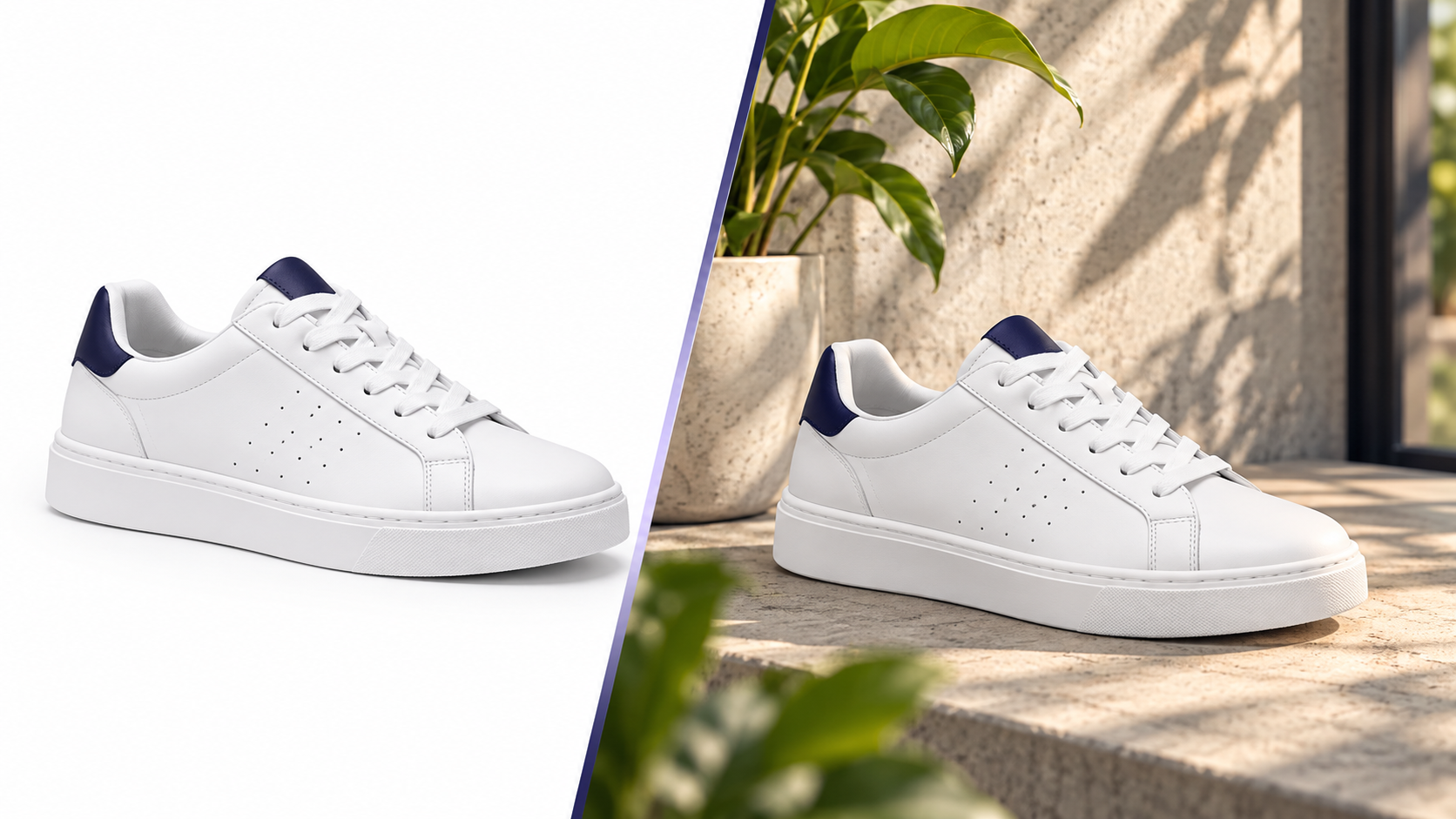
White Background vs Lifestyle Product Images: What Actually Converts
Both image types do a job — but a different one. How to use each across the funnel, how to test, and where sellers waste money.
Pixvero Team·· 3 min read
Jewellery is the hardest category to photograph well: reflective metal, tiny stones, and buyers who zoom in on every facet. Pixvero is tuned for small, high-detail products — edge-accurate cutouts, scenes that flatter metal without recolouring it, and slow-orbit videos that show sparkle.
Generic background removers eat chain links and leave halos around polished gold. Pixvero's background engine is set up for fine edges and thin geometry.
A warm scene can turn a white diamond yellow in naive AI tools. Product Preservation keeps stone and metal colour locked while the scene changes.
Velvet trays, marble slabs, silk and jewellery stands — generate them around the product instead of buying and lighting them.
AI Background Studio produces Amazon/Etsy-compliant white backgrounds with intact chains and prongs. Export at 2000×2000 for zoom.
Open Background RemoverPrompt AI Lifestyle Generator with “gold pendant on black velvet, single spotlight, shallow depth of field”. Generate several moods for the gallery.
Open Lifestyle GeneratorAI Video Studio turns the hero image into a 5-second slow orbit — ideal for Instagram Reels and the Amazon video slot.
Open Video StudioAmazon jewellery main images must be pure white and show the product filling ~85% of the frame; CaratLane-style and Etsy galleries benefit from 1:1 lifestyle alternates. Use Image Studio's square 2000×2000 preset for zoom-friendly detail.
Full marketplace image requirements guideProfessional background removal with hair, fur and fine-edge refinement.
Turn white-background product photos into premium lifestyle scenes.
Turn a product photo or a prompt into a short, scroll-stopping product video.
Batch-resize with marketplace presets for Amazon, Myntra, Flipkart and Noon.
Yes — with Product Preservation on, the product pixels are protected and only the environment is generated or animated. We recommend uploading a colour-accurate cutout as the source.
Both image types do a job — but a different one. How to use each across the funnel, how to test, and where sellers waste money.
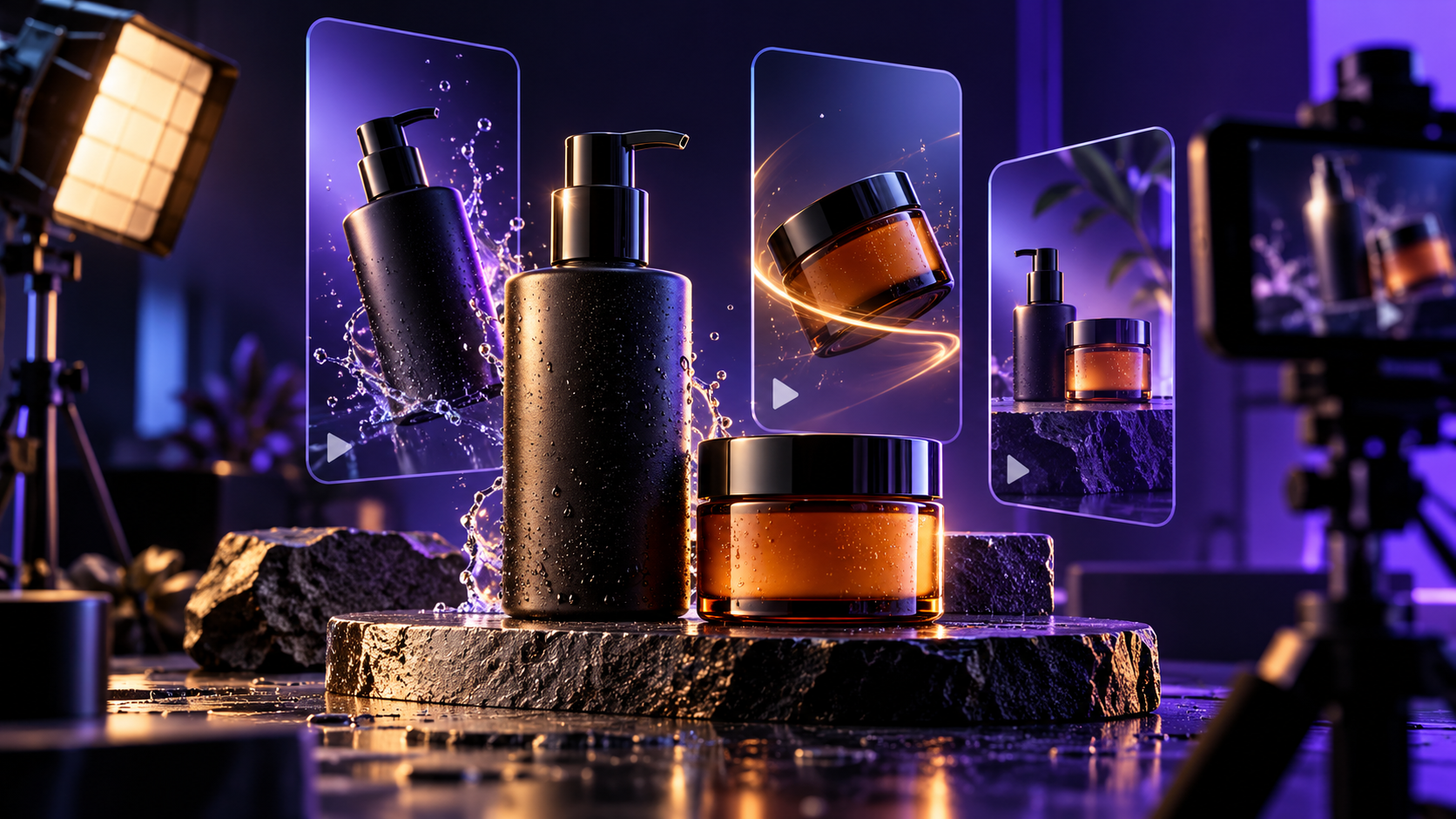
Why 5-second product videos outperform static galleries, what camera moves work for different categories, and how to make them from one photo.
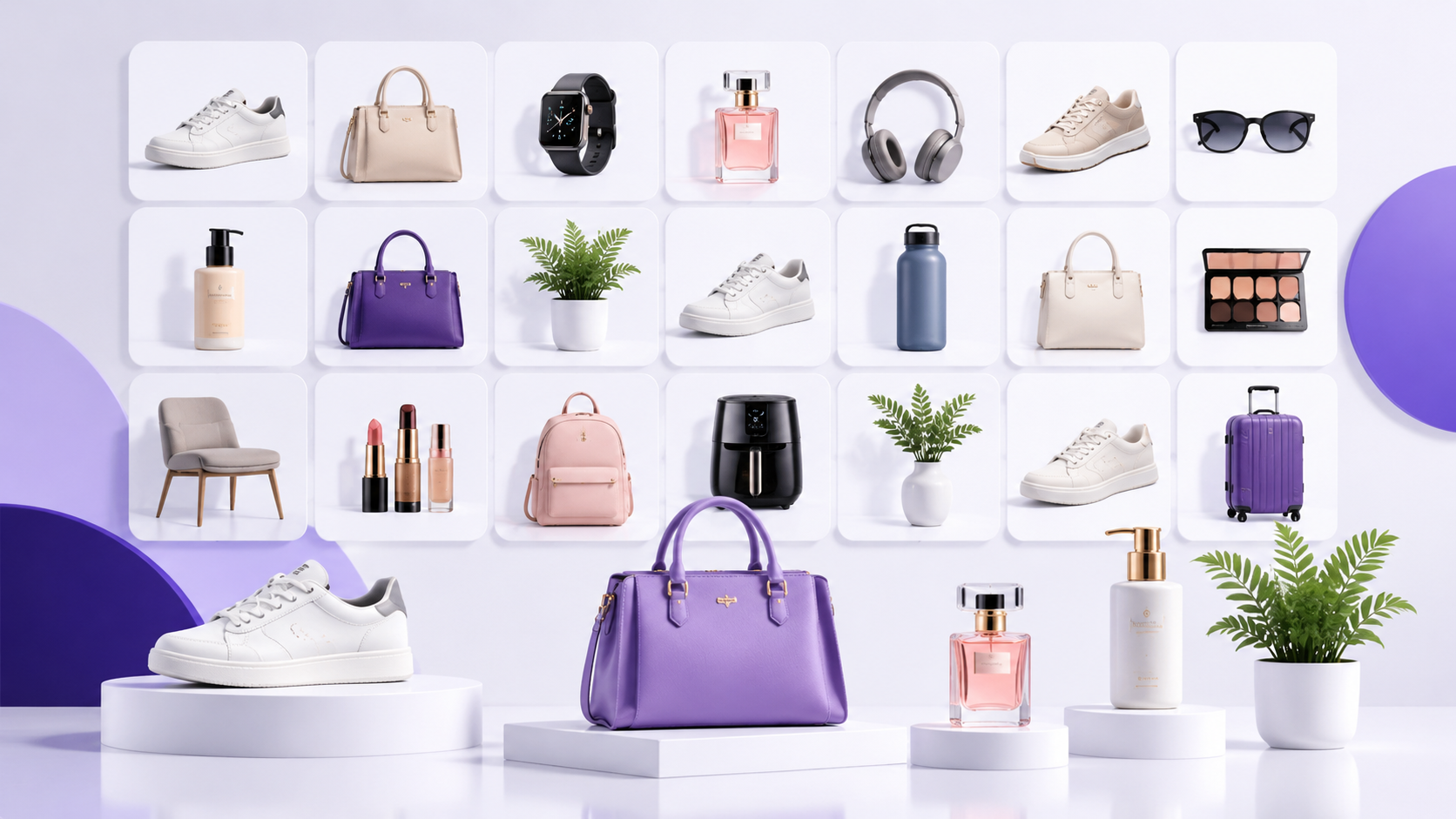
How high-volume sellers keep image production predictable — naming, batching, presets and QA — and where AI removes the bottlenecks.
Free credits on signup. Upgrade to a plan only when you need volume.