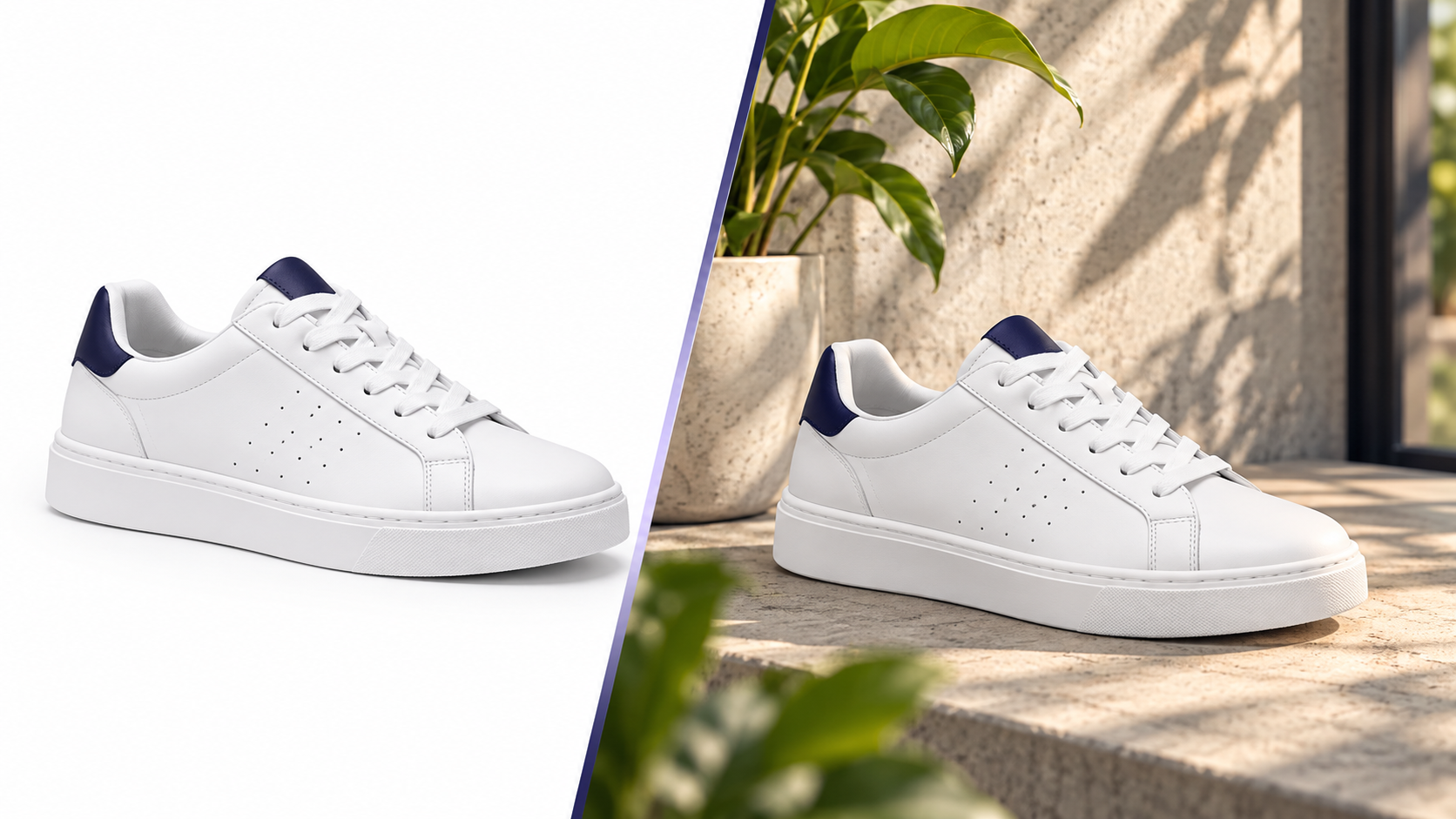
White Background vs Lifestyle Product Images: What Actually Converts
Both image types do a job — but a different one. How to use each across the funnel, how to test, and where sellers waste money.
Pixvero Team·· 3 min read
Fashion catalogs change every season and every drop. Shooting 40 SKUs × 5 colourways × 4 angles in a studio is slow and expensive — and most of those images are retouched to the same white background anyway. Pixvero handles the repeatable parts: background cleanup, marketplace resizing, scene generation and short product videos — while your product stays exactly as photographed.
Every new colour means another studio slot. Generate consistent lifestyle scenes from one clean product shot instead.
Myntra, Amazon and Ajio disagree on background, aspect ratio and minimum resolution. Resize and pad once for all of them.
Turn flat-lay or ghost-mannequin shots into editorial-feeling scenes — studio sweep, street, boutique interior — without changing the garment.
Upload your studio or phone shots to AI Background Studio. Hair, lace and fabric edges are preserved; output a pure white or any brand colour.
Open Background RemoverIn AI Lifestyle Generator, describe the setting — “linen shirt on a wooden hanger in a sunlit boutique” — and get multiple variations. Product Preservation keeps print, stitching and fit untouched.
Open Lifestyle GeneratorImage Studio exports Myntra 1080×1440, Amazon 2000×2000 and Instagram 1080×1350 in one batch. Add a 5-second video for Reels from AI Video Studio.
Open Image ResizerMyntra requires 3:4 portrait images (recommended 1080×1440) on light backgrounds with the product occupying most of the frame; Amazon India fashion listings need a pure white main image (RGB 255,255,255) at 1000px+ on the longest side; Ajio prefers 1080×1440 with minimal props. Pixvero's Image Studio has presets for each.
Full marketplace image requirements guideProfessional background removal with hair, fur and fine-edge refinement.
Turn white-background product photos into premium lifestyle scenes.
Batch-resize with marketplace presets for Amazon, Myntra, Flipkart and Noon.
Turn a product photo or a prompt into a short, scroll-stopping product video.
No. Product Preservation is on by default for AI Lifestyle Generator and AI Video Studio — Pixvero animates or re-stages the environment, not the product. For colour-critical items, start from a colour-corrected cutout.
Both image types do a job — but a different one. How to use each across the funnel, how to test, and where sellers waste money.
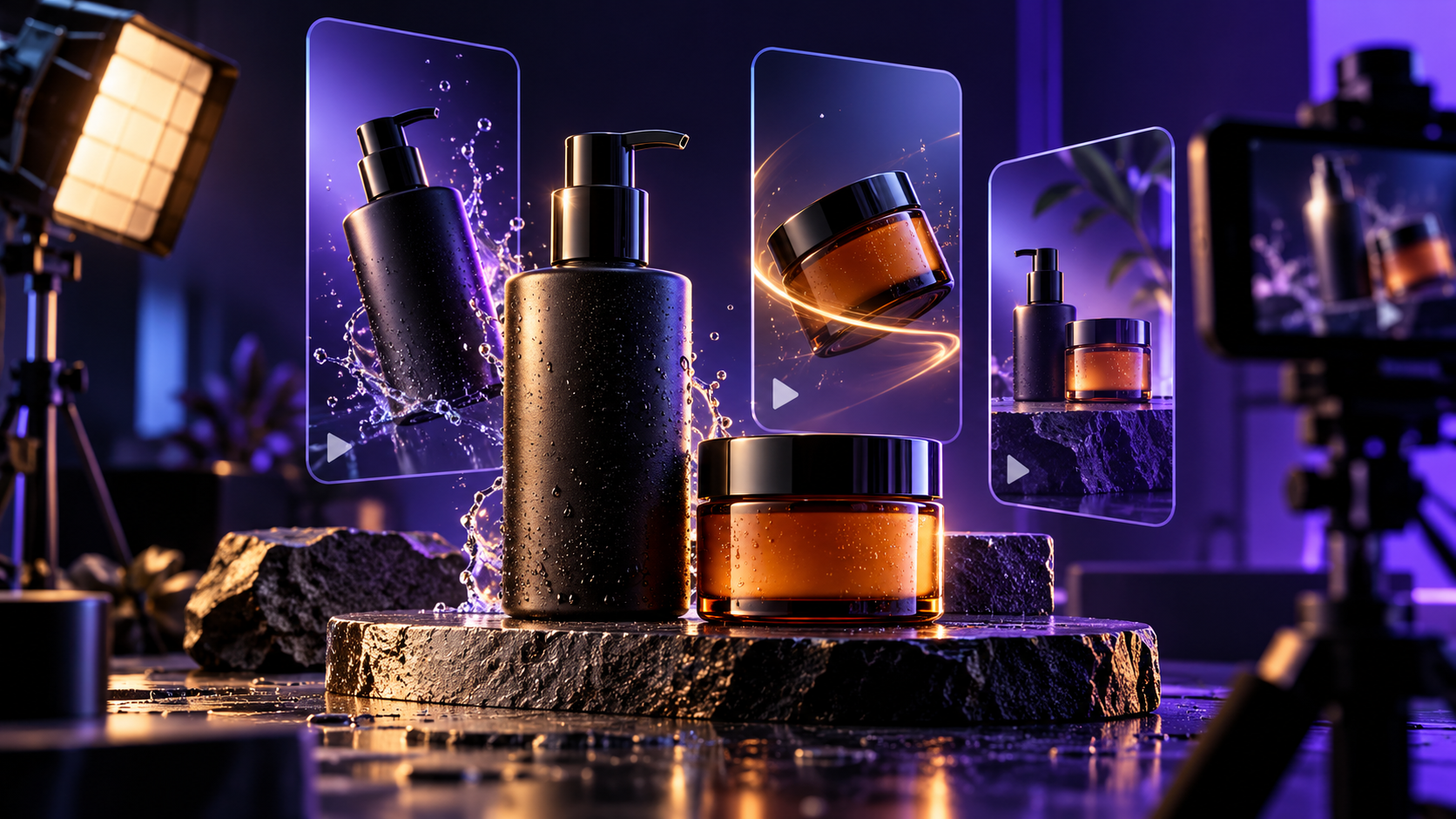
Why 5-second product videos outperform static galleries, what camera moves work for different categories, and how to make them from one photo.
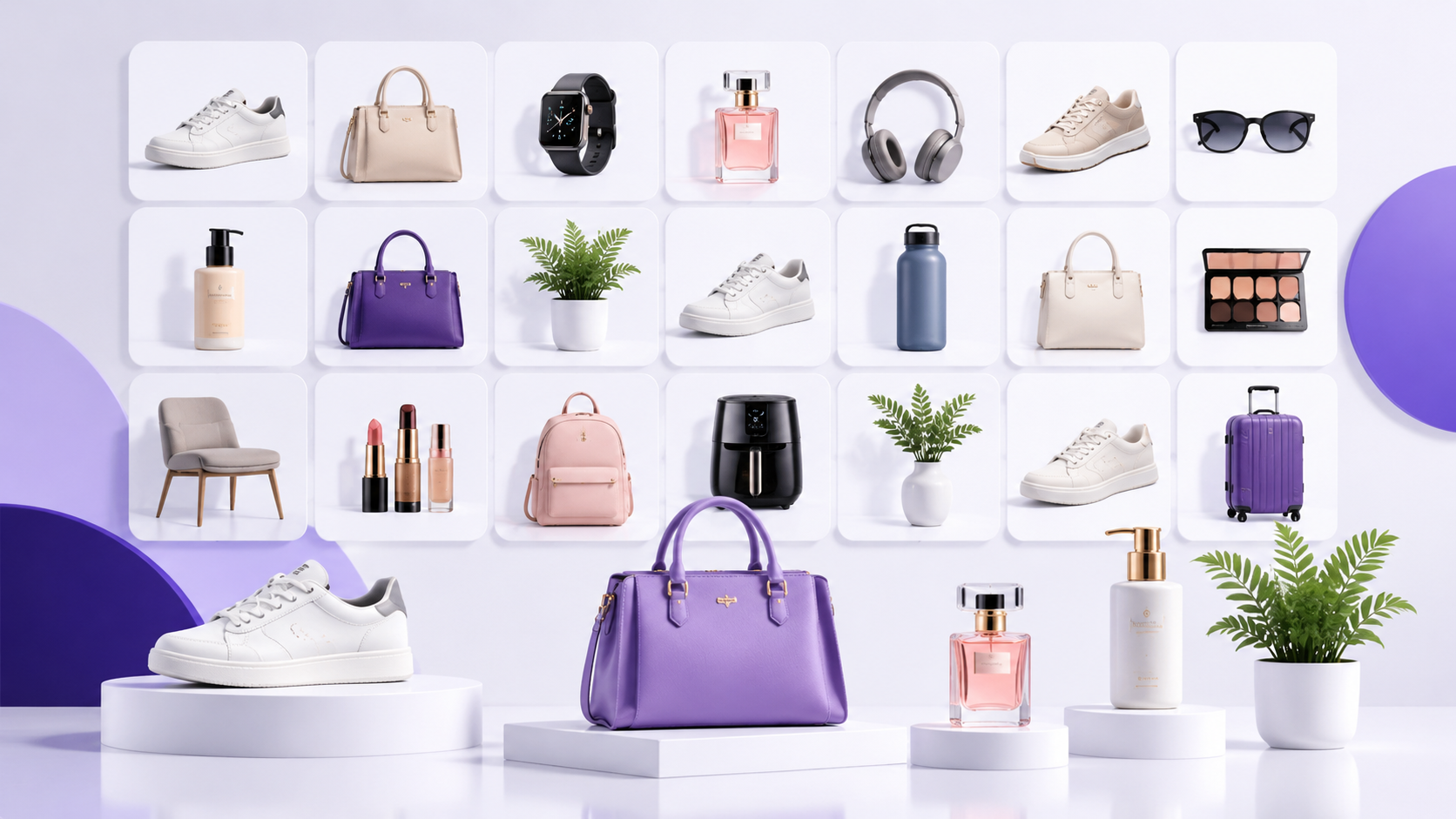
How high-volume sellers keep image production predictable — naming, batching, presets and QA — and where AI removes the bottlenecks.
Free credits on signup. Upgrade to a plan only when you need volume.