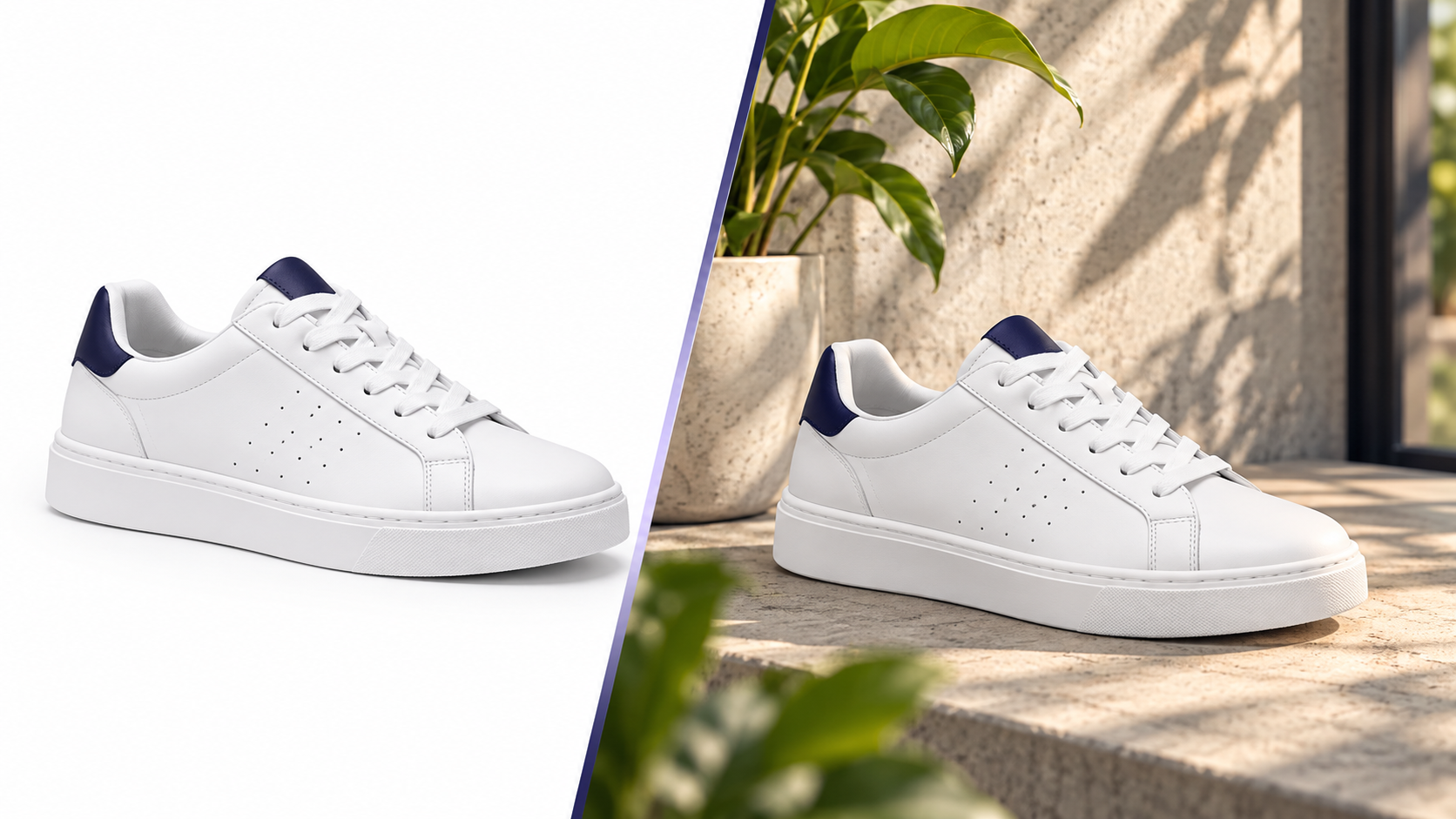
The gap between a cutout and a sale
A product on white tells buyers what it is. A lifestyle image tells them where it lives and how big it is. Listings with at least one contextual image consistently see higher engagement in the gallery — but shooting those scenes is the most expensive part of e-commerce photography.
AI lifestyle generation fixes the economics, if the product stays exactly as photographed.
Step 1 — Start from a clean cutout
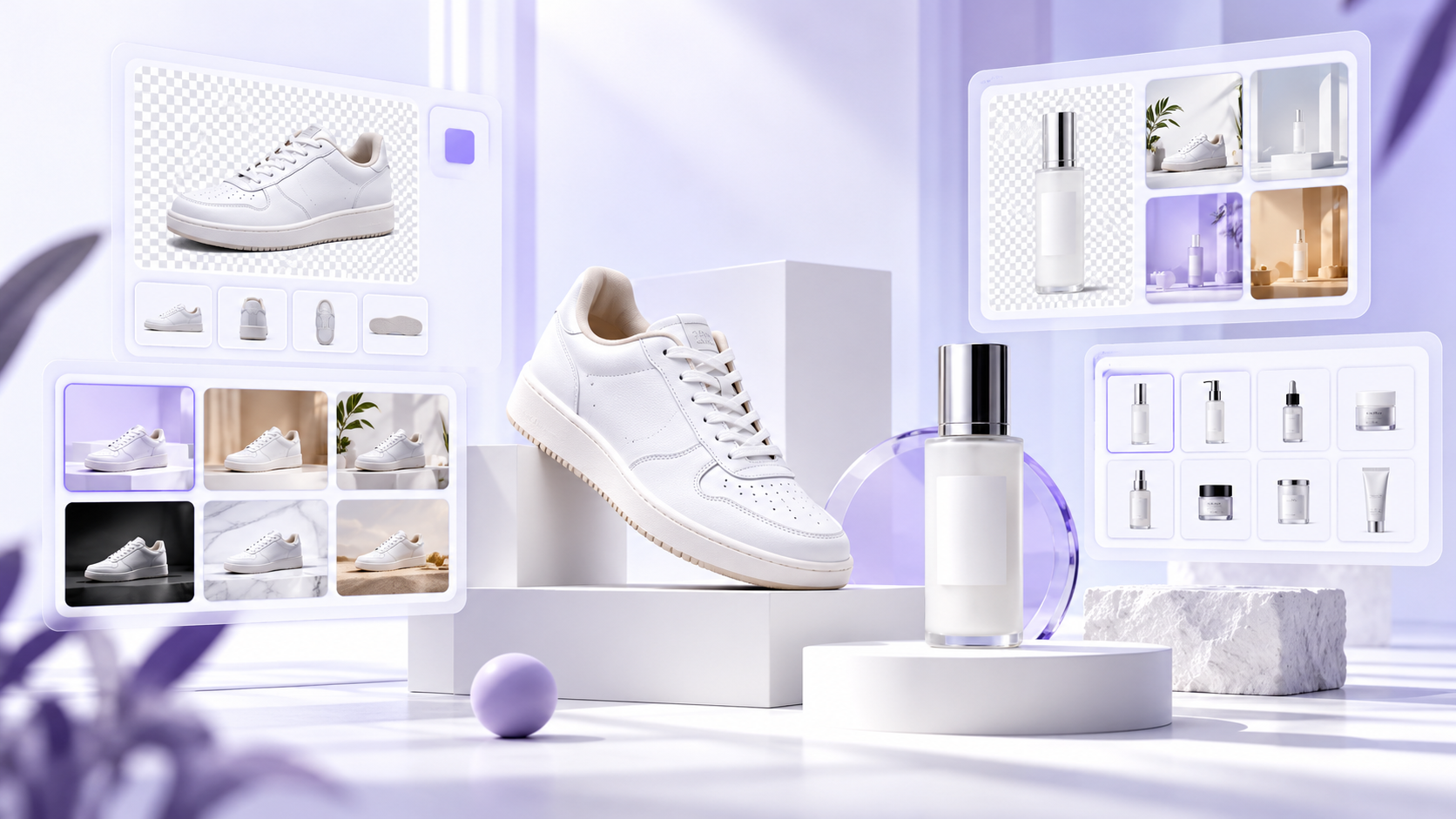
Garbage in, garbage out. Remove the original background first so the generator has a clean silhouette to work with. In Pixvero, AI Background Studio handles this in bulk and preserves fine edges like chains, lace and hair.
Step 2 — Decide the scene per collection, not per product
Consistency is what makes a catalog look like a brand. Pick one or two scene families for a collection (e.g. "white oak table, morning light" and "dark slate, moody spotlight") and reuse them across every SKU.
Step 3 — Write prompts like a photographer, not a poet
A useful prompt describes four things:
| Element | Example |
|---|---|
| Surface | "on a travertine stone slab" |
| Environment | "in a bright minimalist kitchen" |
| Light | "soft window light from the left, gentle shadow" |
| Mood / props | "a sprig of eucalyptus, shallow depth of field" |
Avoid adjectives that describe the product ("shiny red bottle") — you want the product untouched. Describe only the world around it.
Pattern:
[product] on [surface] in [environment], [light], [1–2 props], [lens feel]
Step 4 — Keep product preservation on
Pixvero's Lifestyle Generator protects the uploaded product's shape, colour, label and proportions by default and generates only the surroundings. Turn it off only for mood boards, never for listing images.
Step 5 — Generate several, keep the believable ones
Generate 4–6 variations and discard anything with impossible shadows, floating products or warped surfaces. Choose images where the light direction on the background matches the light on your product.
Step 6 — Check scale
Buyers judge size from context. Include one reference object in the scene prompt — a coffee cup, a book, a chair — sized realistically.
Examples by category
- Beauty: "serum bottle on wet black slate, water droplets, eucalyptus, soft daylight"
- Jewellery: "gold pendant on black velvet, single spotlight, shallow depth of field"
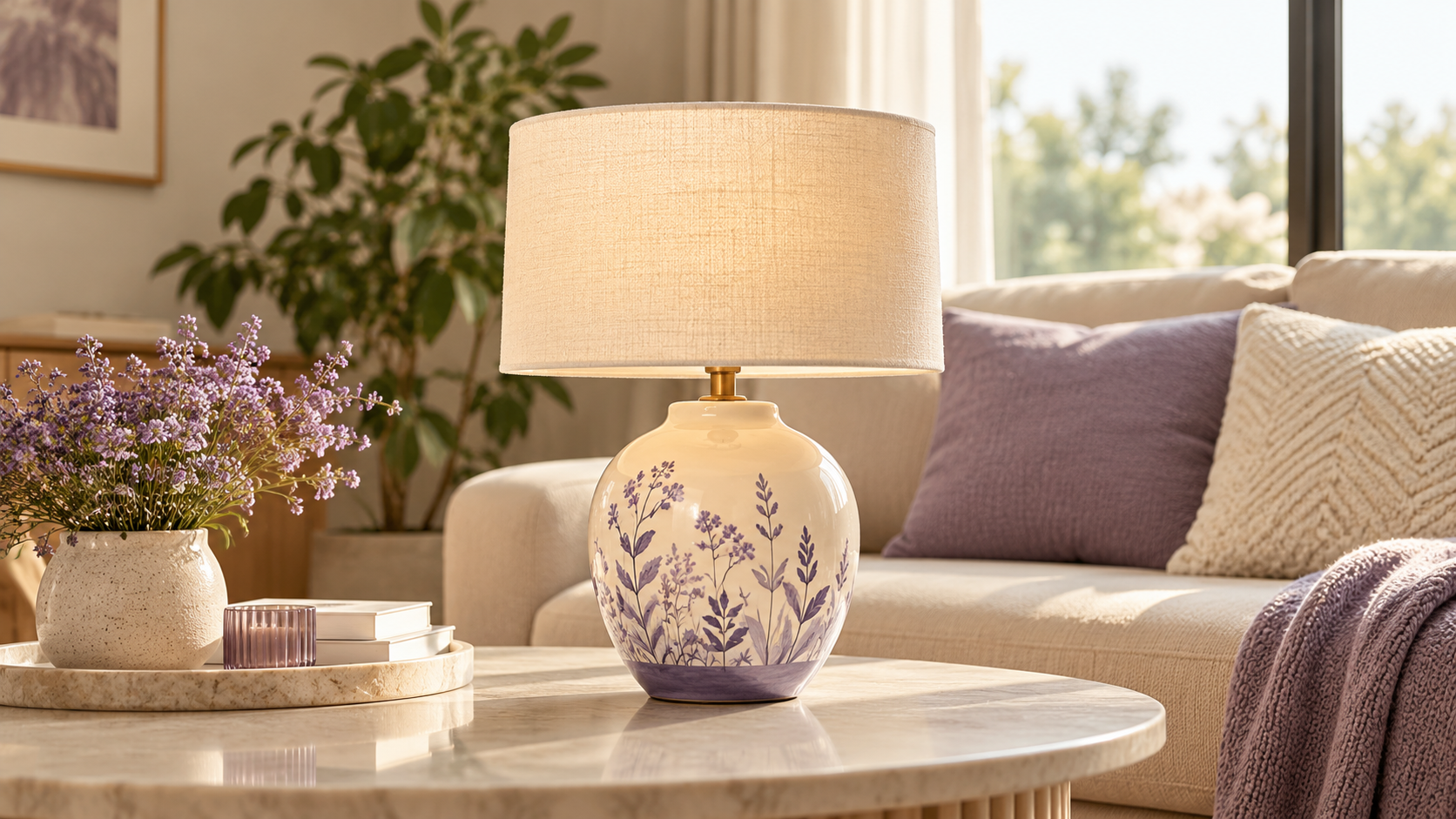
- Home décor: "terracotta planter on a sunlit windowsill, trailing pothos, linen curtain"
- Furniture: "oak dining table in a Scandinavian apartment, large windows, morning light"
More scene ideas by industry: Fashion · Jewellery · Furniture · Beauty · Home décor.
Put it in the gallery, not the main slot
Marketplaces require a white main image. Lifestyle scenes belong in gallery positions 2–5 and on your own store's product page, where they do the persuading.