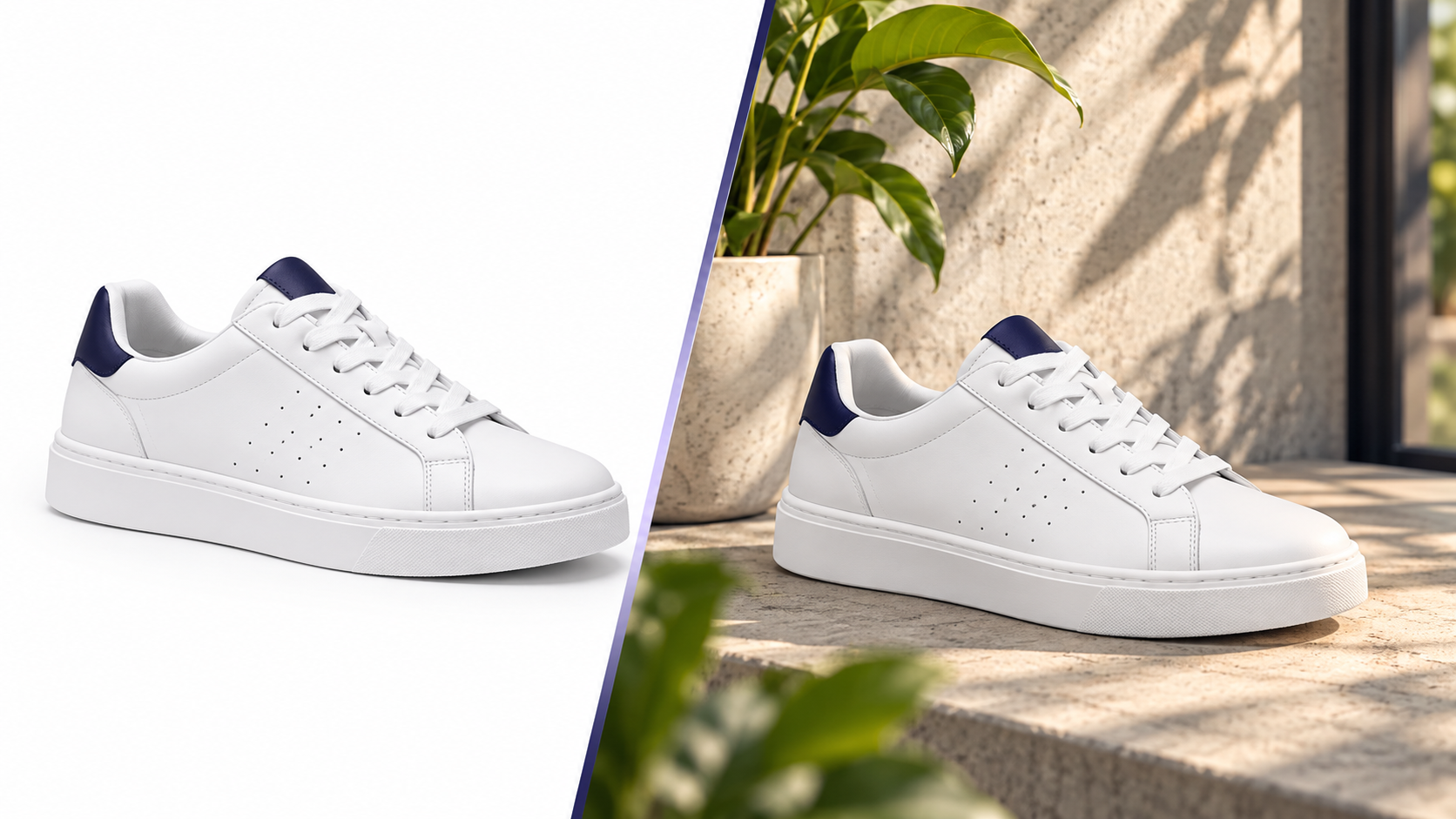
White Background vs Lifestyle Product Images: What Actually Converts
Both image types do a job — but a different one. How to use each across the funnel, how to test, and where sellers waste money.
Pixvero Team·· 3 min read
Image rejections and suppressed listings are usually caused by five things: wrong background, too-small files, the product not filling the frame, text on the main image, or the wrong aspect ratio for the category. This guide collects the baseline rules for the marketplaces Indian and global sellers use most — and shows how to export compliant sets in bulk.
| Marketplace | Main image background | Size & ratio | Framing | Gallery & video | Pixvero preset |
|---|---|---|---|---|---|
| Amazon (India & Global) | Pure white background (RGB 255,255,255) | Min 1000px longest side (recommended 1600–2000px) for zoom; 1:1 preferred | Product fills ≥85% of frame; no text, logos or watermarks on main image | Up to 7–9 gallery images; 1 video slot; apparel uses 3:4 variants | Amazon 2000×2000 |
| Flipkart | White or light solid background | Min 500×500; recommended 1500–2000px square | Product centred, no borders or collage on main image | Up to 8 images; lifestyle alternates allowed in gallery | Flipkart 2000×2000 |
| Myntra | Light background, studio look; model or ghost-mannequin for apparel | 3:4 portrait — 1080×1440 (min 1000×1333) | Full product visible, consistent framing across the set | Minimum 3 images (front, back, detail); strict catalog QC | Myntra 1080×1440 |
| Meesho | Plain background, bright even light | Min 500×500; recommended 1000–1500px square | No text/offers on image; one product per image | Lifestyle alternates improve click-through in a value-focused feed | Square 1500×1500 |
| Ajio | Light grey/white studio background | 3:4 portrait — 1080×1440 | Product dominant, minimal props | Flat-lay or model; consistent crop per category | Portrait 1080×1440 |
| Nykaa | White main image, product fills the frame | Square — min 1000×1000, recommended 1500–2000px | No claims text on main image; textured lifestyle alternates in gallery | Short product video strongly recommended | Square 2000×2000 |
| Shopify / own store | Theme-dependent — most themes crop to 1:1 or 4:5 | 2048×2048 recommended for zoom; keep files under ~500 KB (WebP) | Consistent framing per collection; lifestyle hero per product | Use 9:16 video for Reels embeds | Shopify 2048×2048 |
| Noon | White background main image | Min 500×500; recommended 1500px+ square | Product centred with margin; no text | Up to 7 images per listing | Noon 1500×1500 |
Baseline values compiled from public seller guidelines; category-specific rules may differ. Always confirm in your seller console before bulk uploads.
Run every SKU through AI Background Studio for a true RGB 255 white (or a light solid for Flipkart/Meesho). Export at 2000px so the same file passes zoom checks everywhere.
Open AI Background StudioGenerate 2–3 lifestyle alternates per product with AI Lifestyle Generator — gallery slots are free real estate. Keep the product unchanged with Product Preservation.
Open AI Lifestyle GeneratorImage Studio batches up to 1,000 images: Amazon 2000², Myntra 1080×1440, Instagram 1080×1350. Add a 5-second video from AI Video Studio for the video slot.
Open Image StudioA 2000×2000 square on pure white works for Amazon, Flipkart, Meesho, Nykaa and Noon. Fashion marketplaces (Myntra, Ajio) need a 3:4 portrait — export 1080×1440 as a second set. Pixvero's Image Studio exports both in one batch.
Both image types do a job — but a different one. How to use each across the funnel, how to test, and where sellers waste money.
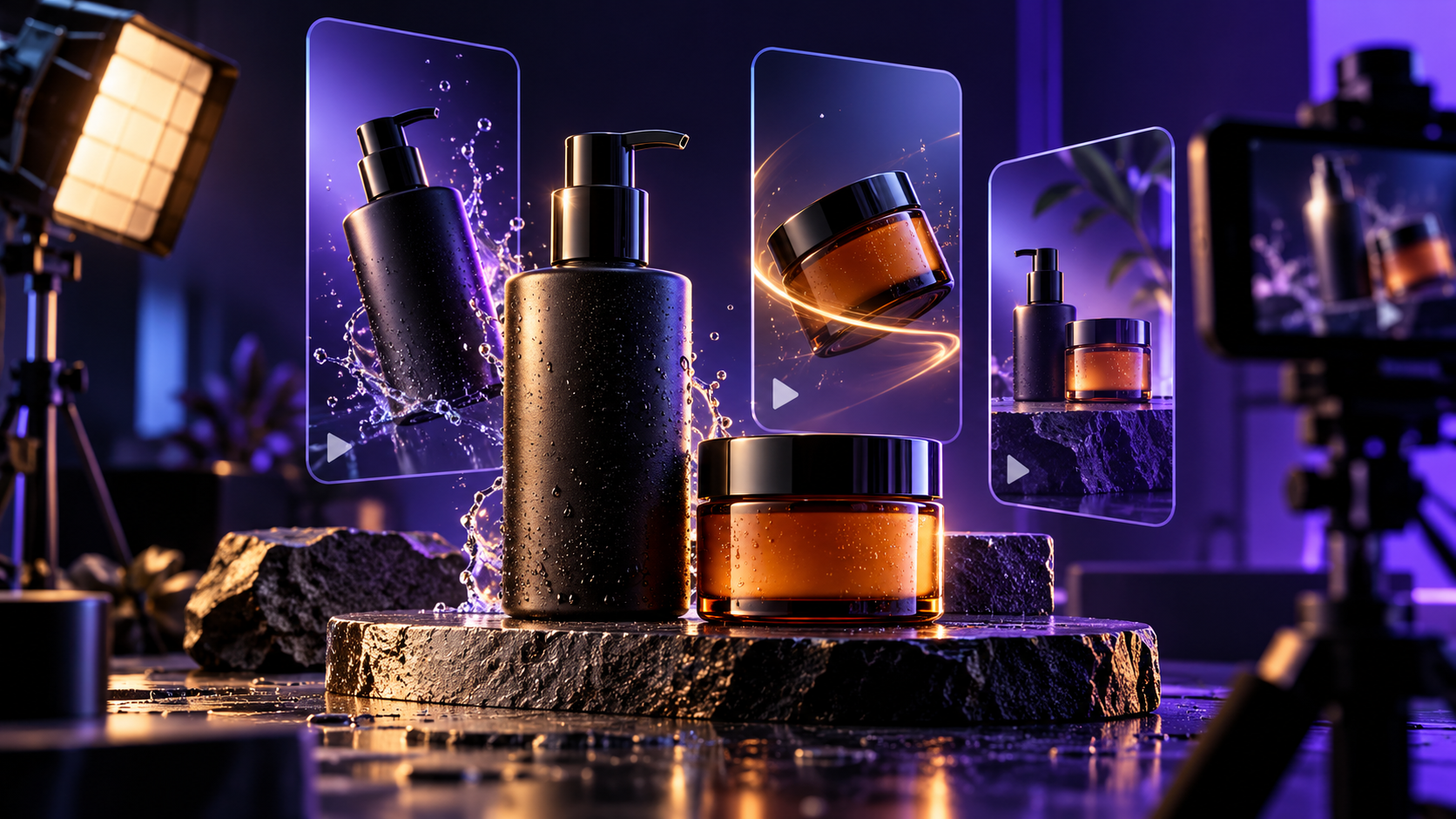
Why 5-second product videos outperform static galleries, what camera moves work for different categories, and how to make them from one photo.
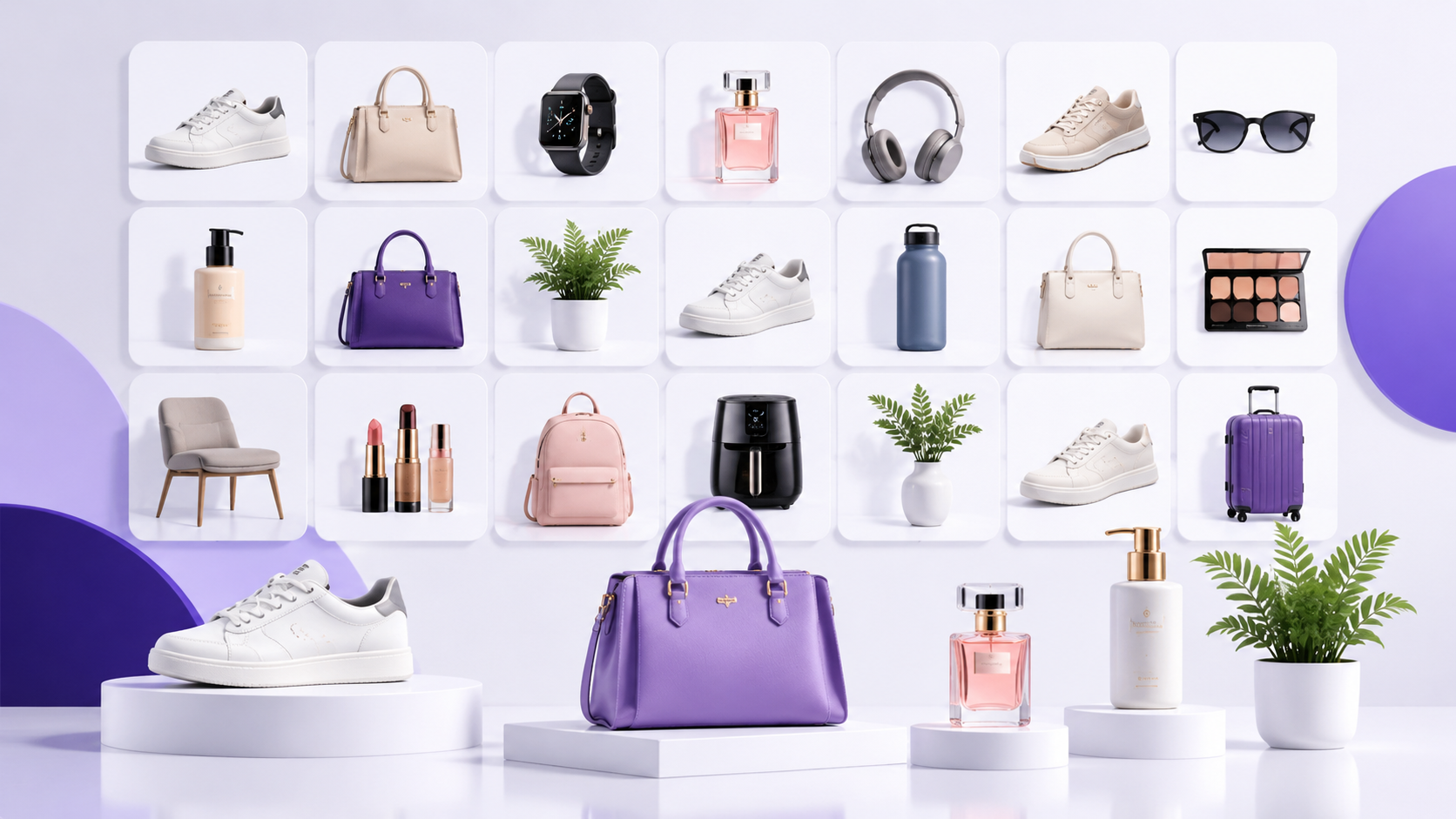
How high-volume sellers keep image production predictable — naming, batching, presets and QA — and where AI removes the bottlenecks.
Clean backgrounds, marketplace presets and lifestyle scenes — free credits on signup.