Why sellers are switching
A studio day for 40 SKUs costs more than most small brands make from those SKUs in their first month. And most of the output is the same thing: a clean cutout on white, three detail crops, and — if the budget allows — one lifestyle shot. AI product photography attacks exactly that repeatable part.
The important nuance: AI should change the environment, not the product. Buyers return items that look different from the listing. Every workflow below follows that rule.
What AI does well today
- Background removal and replacement — edge-accurate cutouts (hair, fabric, chains) onto pure white, brand colours or gradients. This is mature and reliable.
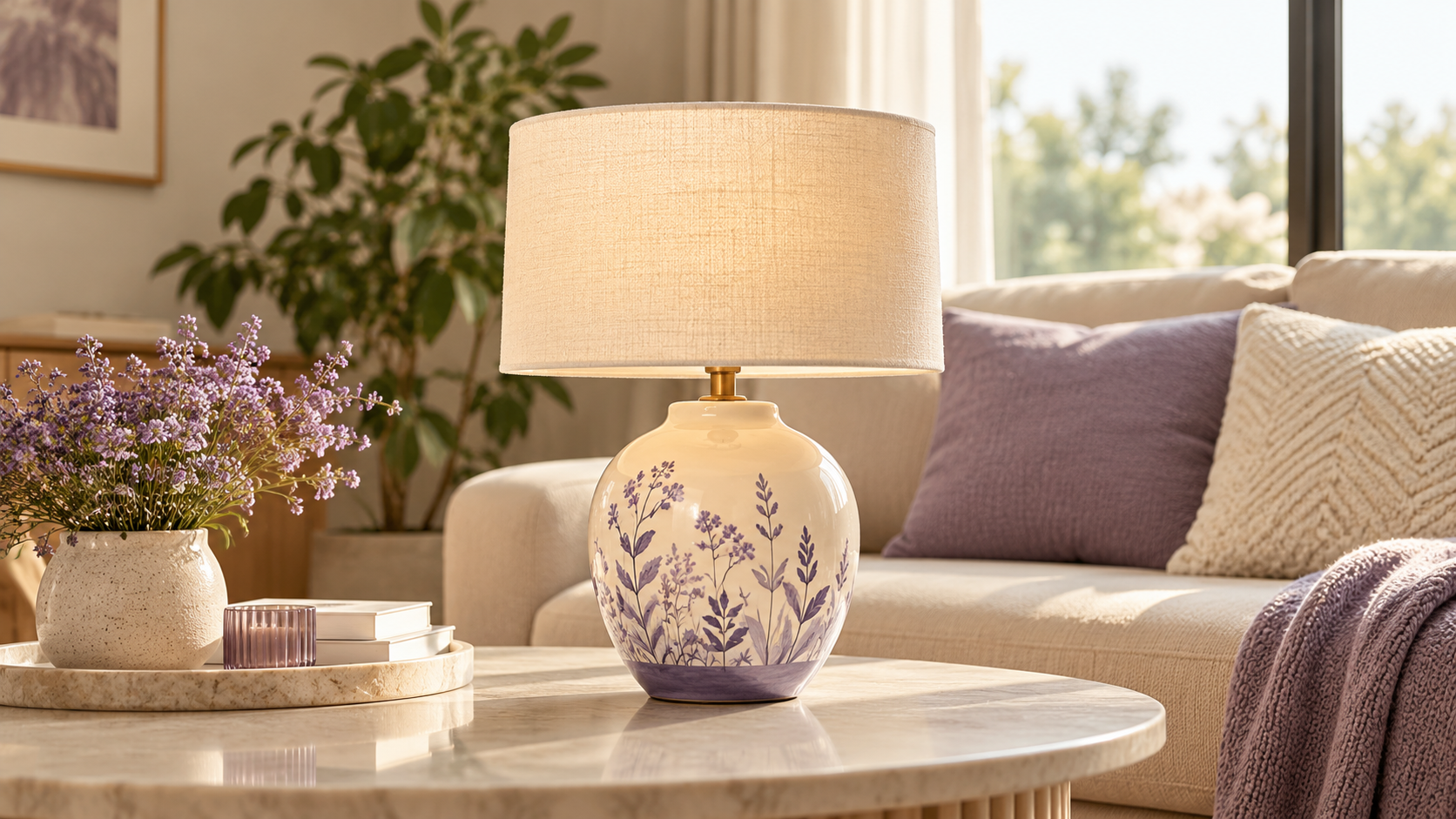
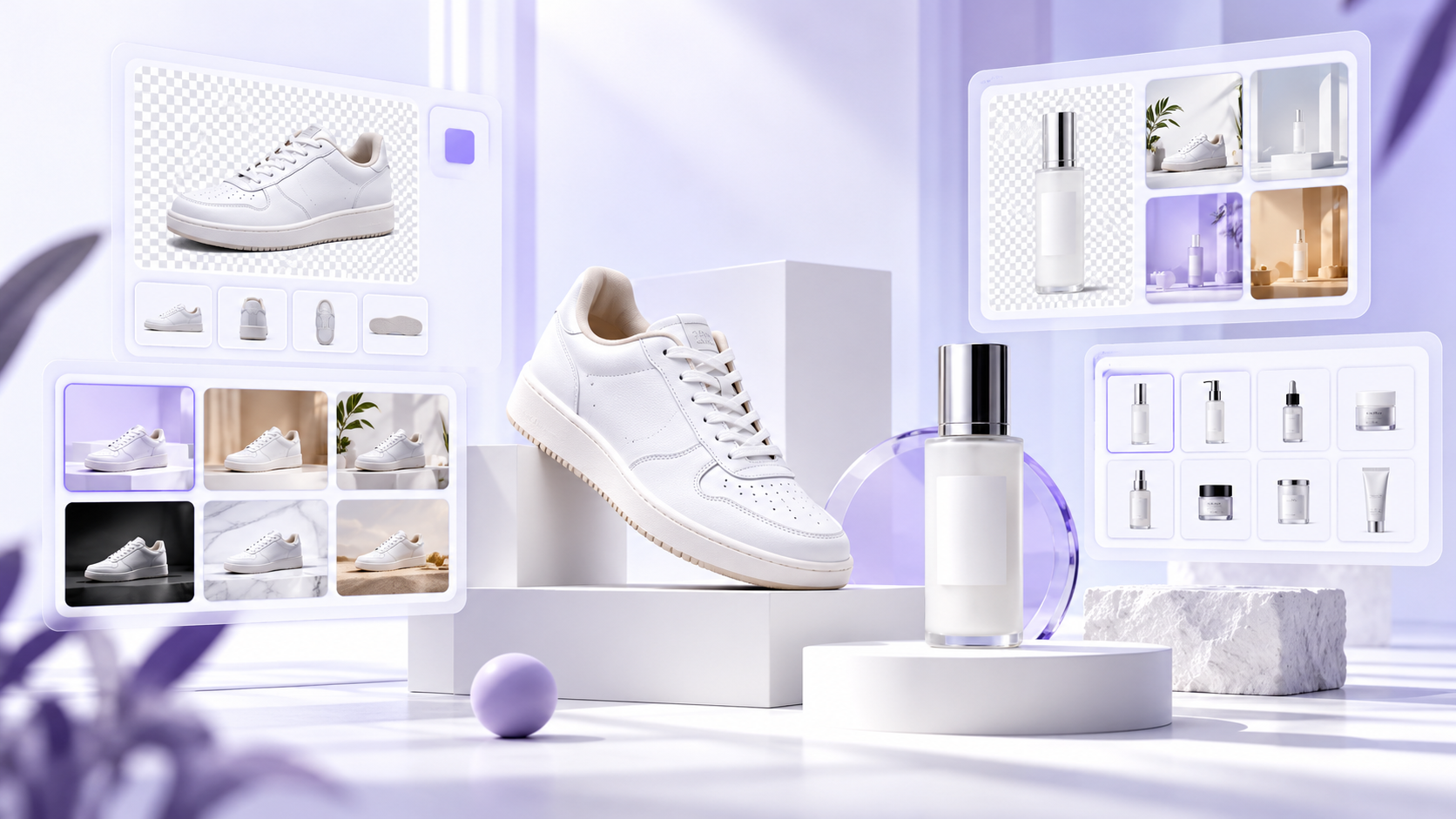
- Scene generation around a fixed product — marble counters, studio sweeps, sunlit rooms, water and botanicals. With product preservation, the product pixels are protected and only the surroundings are generated.
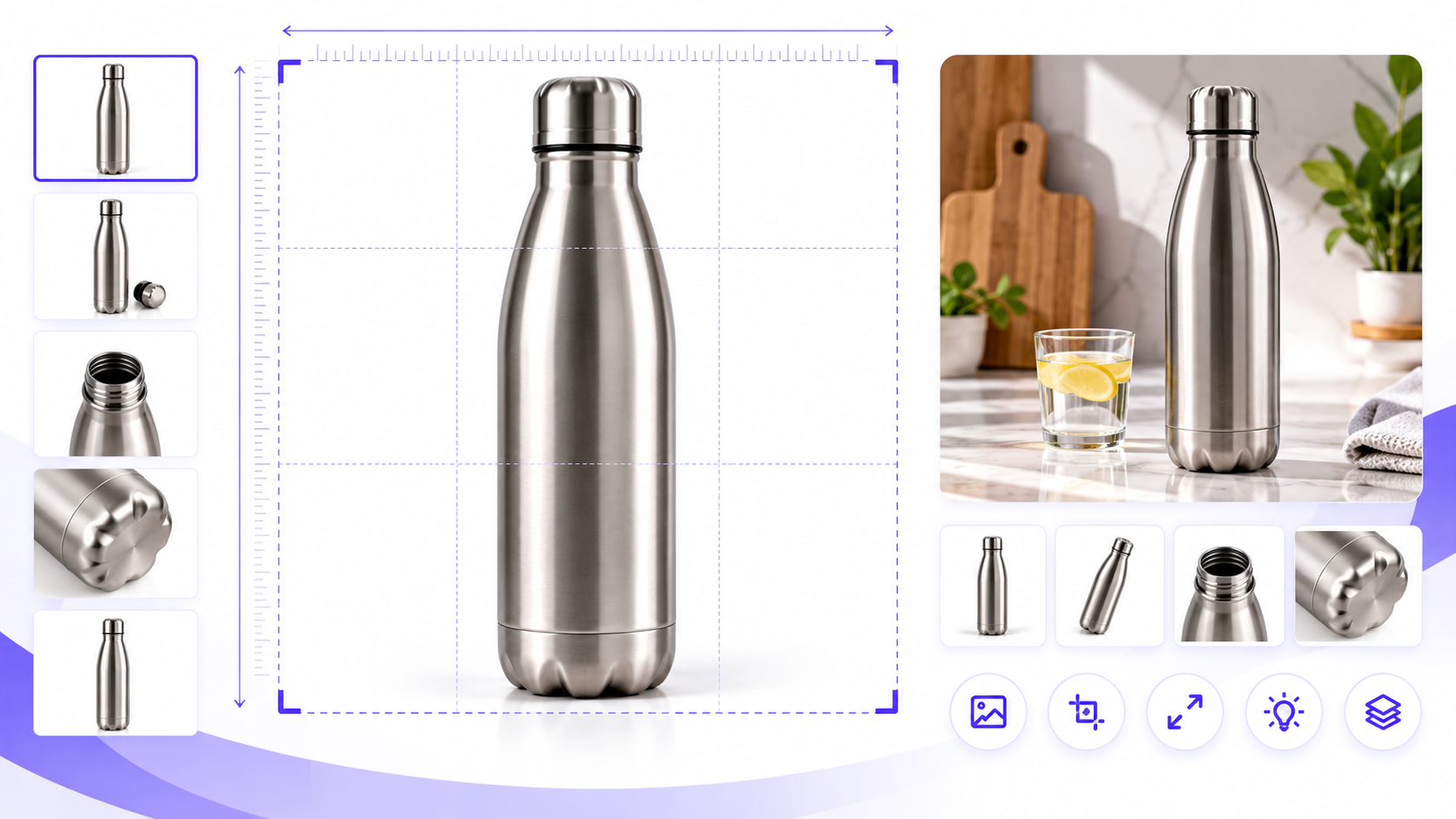
- Marketplace resizing in bulk — Amazon 2000×2000, Myntra 1080×1440, Instagram 1080×1350 from one master file.
- Short motion — a 5-second camera orbit or push-in from a single image, good enough for Reels and the marketplace video slot.
What AI still does badly
- Human models with accurate fit. Photoreal on-model generation is not reliable enough for apparel sizing claims. Pixvero deliberately avoids it.
- Recolouring products. Generating "the same shirt in red" produces a different shirt. Shoot each colourway.
- Text on packaging. Generative tools rewrite labels. Keep packaging pixels protected (preservation) and never let a model "redraw" a label.
A four-step catalog workflow
- Capture once, cleanly. One well-lit shot per SKU on a plain background. 1500px or more on the long side. A phone is fine.
- Clean the cutout. Run the batch through an AI background tool to get true white (RGB 255) and a consistent margin. This is your marketplace main image.
- Generate 2–3 scenes per SKU. Pick one scene prompt per collection so the grid looks like one brand. Keep product preservation on.
- Export every size at once. From one master, batch-export the marketplace and social sizes you need. Add a 5-second video for the video slot.
Pixvero covers all four steps in one workspace: AI Background Studio → AI Lifestyle Generator → Image Studio → AI Video Studio.
Rules you still have to follow
Marketplaces don't care how an image was made; they care that it is compliant and honest. The main image must be on pure white, fill 85%+ of the frame, carry no text or badges, and meet the minimum resolution. Our marketplace image requirements guide lists the baseline for Amazon, Flipkart, Myntra, Meesho, Nykaa and Shopify.
How to measure whether it worked
Track three numbers per listing before and after: click-through rate from search, conversion rate on the product page, and return rate. A good visual upgrade moves CTR and conversion up without moving returns up. If returns rise, the images are over-promising — pull back on scene drama and check colour accuracy.
Where to start
Pick your 20 best-selling SKUs. Clean the main images, add two lifestyle scenes each and a video for the top five. That is a single afternoon in Pixvero and gives you a clean A/B read within two weeks.